


What is a Container?
A container is the other half of the sub schedule. While the sub schedule controls the flow of the job, the container job enables it to auto-build and run independently. It consolidates the sub-schedule into a singular object. The contain acts as a wrapper around the entire process, allowing interaction from a single job aspect.
How to Create a Container Job
In Solution Manager, create a job. Below is how to create a job in Studio with an existing schedule displayed:
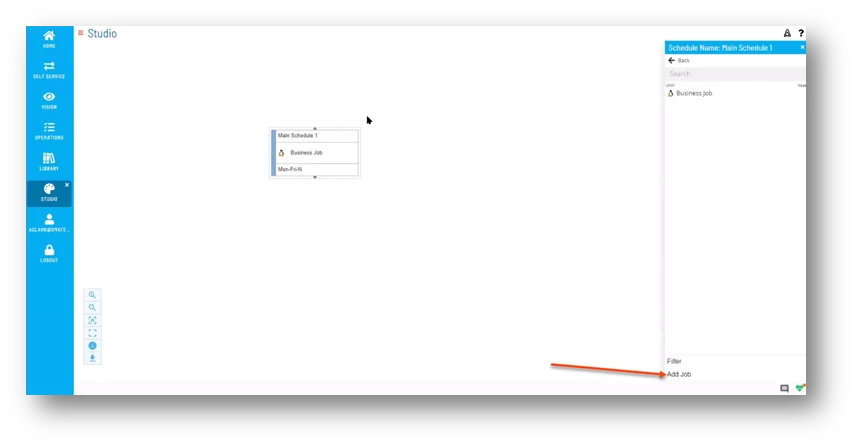
Enter the Name of the Job.
Select from the Job Type dropdown Container.
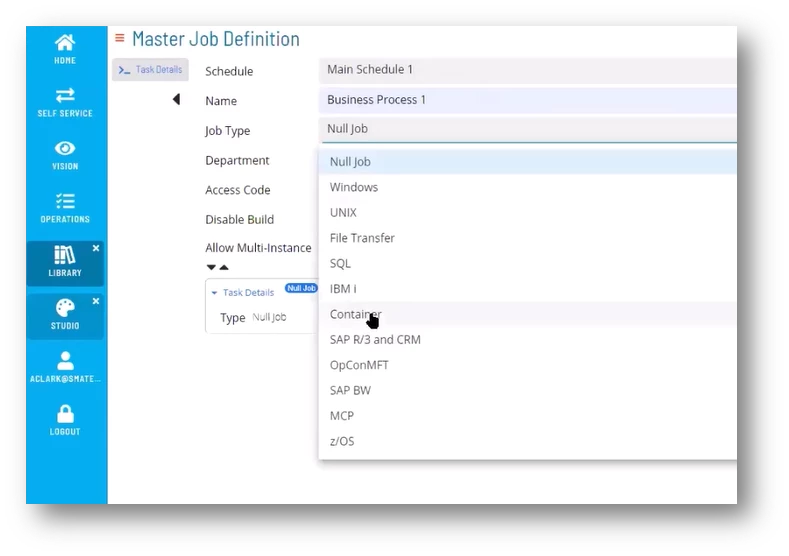
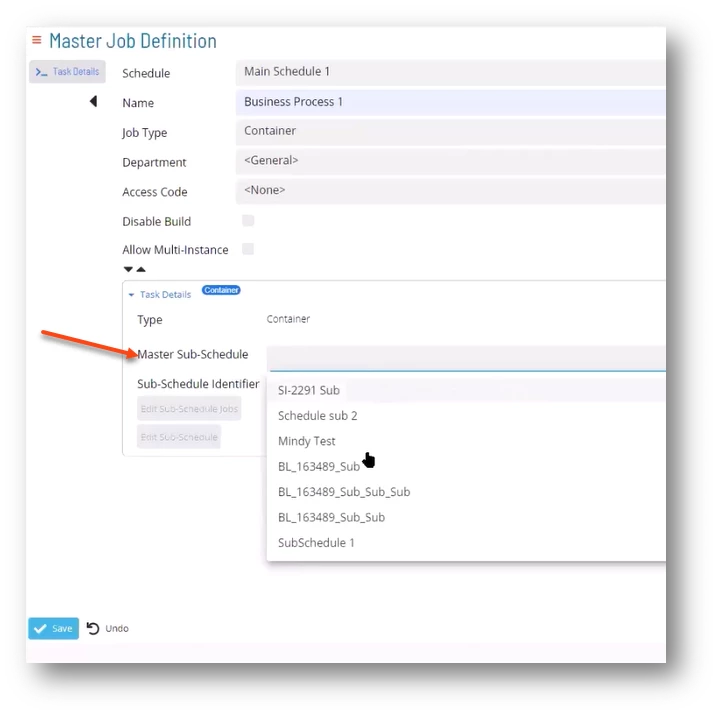
Once you’ve selected Container, you will define the Master Sub-Schedule.
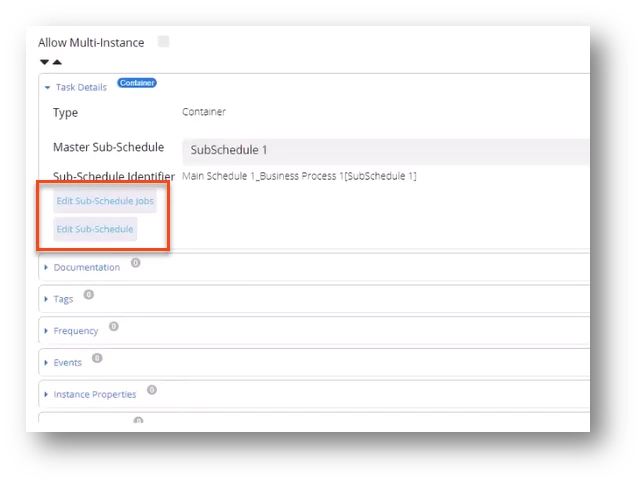
If necessary, you can edit the Sub-Schedule Jobs or the Sub-Schedule.
Enter any Documentation and/or Tags.
Click on Frequency and move the appropriate Frequency from the Inactive column to Active.
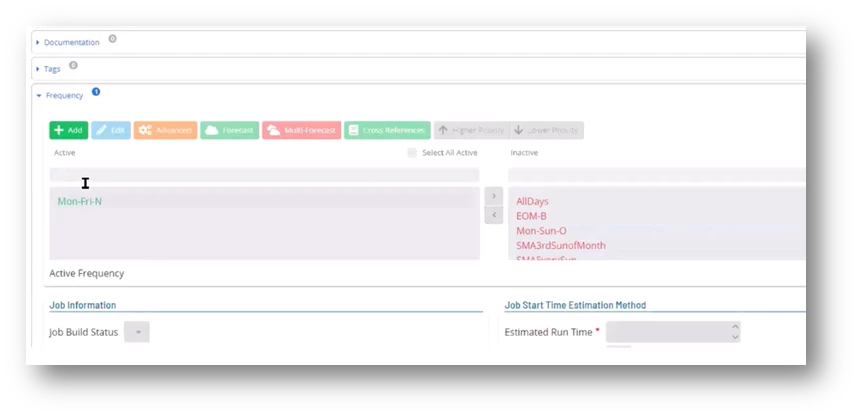
This frequency dictates when the schedule is built.
✏Note: One of the benefits of a Container job is using it in conjunction with an On Request frequency. For example, if you have a file download and a process to run based on that file, but you don’t know when it’s going to arrive, the container job can be set up with an “on request” frequency.
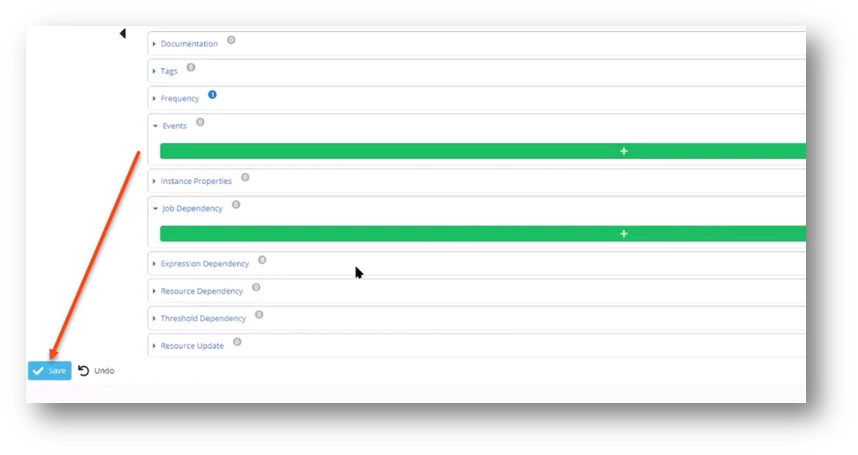
Once you’ve filled in all the appropriate values for the job, click Save.
✏Note: When you go to build out a schedule, you will not see the sub schedule in the list because the auto-build option is not available in the sub schedule.