

The difference between a normal schedule and a sub schedule is the checkbox within the Master Schedule Definition:
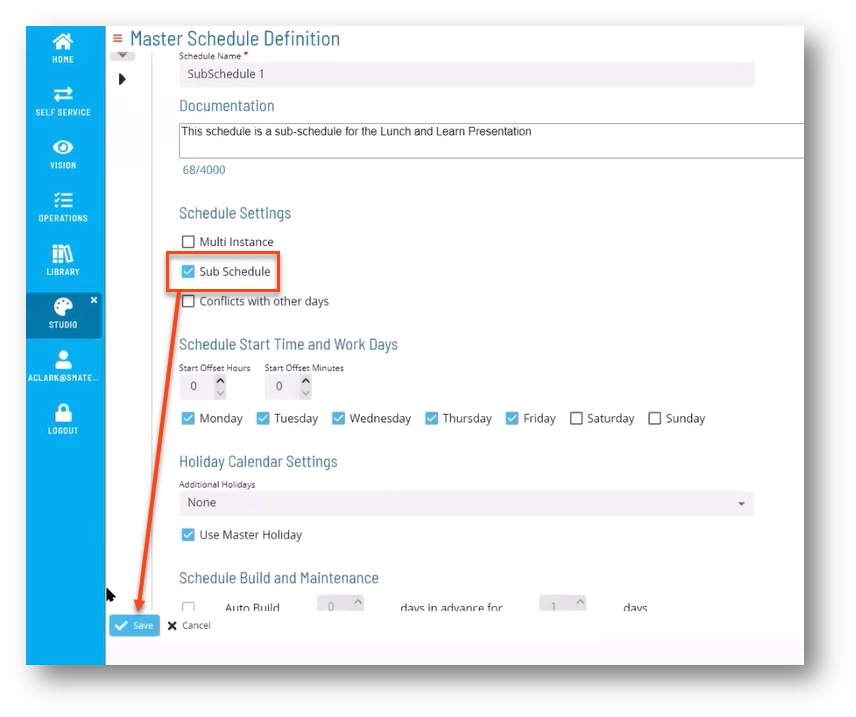
Simply check the Sub Schedule check box under Schedule Settings and click Save.
On a functional level, a lot of things change when you change a Schedule to a Sub Schedule.
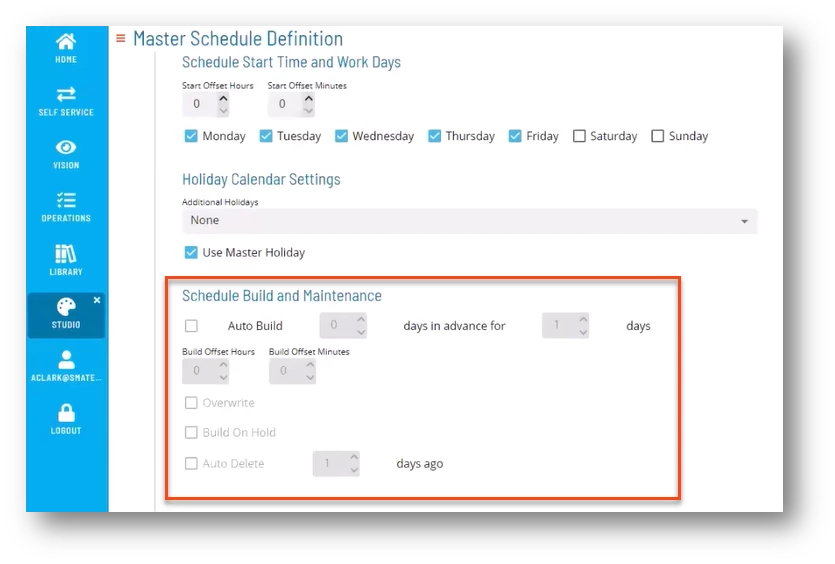
Sub schedules do not allow auto build or auto deletion. It will not become an independent schedule.
When you view the newly created sub schedule, it looks the same from the perspective of the flow: all the jobs, dependencies, and frequencies remain the same.