

The Enterprise Manager contains Management tools to retrieve OpCon data about the History of the jobs or to Audit all the modification performed for a selected time period.
What is the issue?
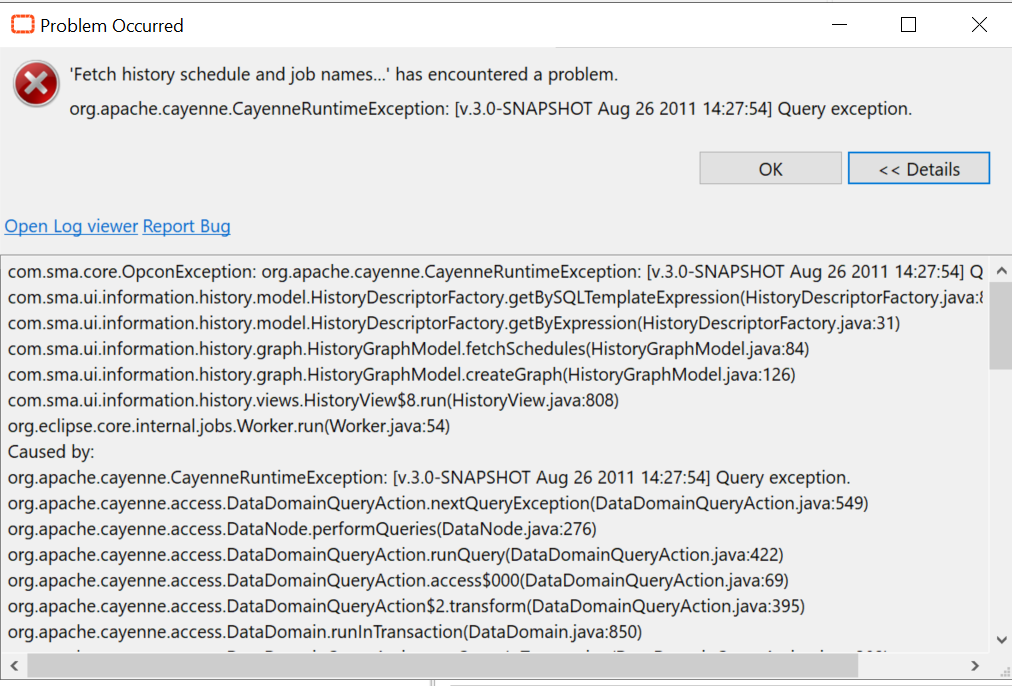
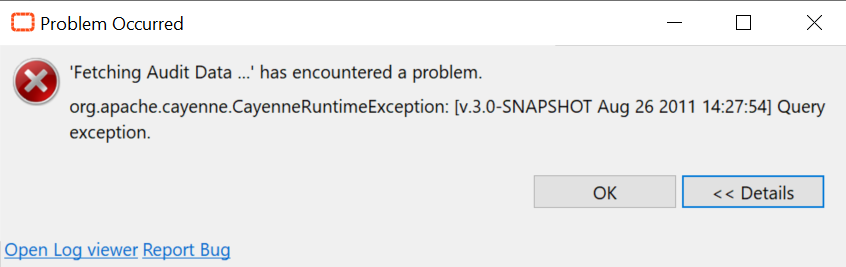
You may encounter a "Query Exception" error while retrieving the requested information after waiting a moment. Most of the time, this is a timeout issue because you're trying to look on a huge period of time (e.g., a year).
Below an example of the Query Exception error for the History Management:
And an example for the Audit error:
How to solve this
There are two ways to solve this issue:
First Option
Reduce the time frame of your research. Instead of searching for information on a whole year for a job that ran a month ago, reduce to 2 months.
Second Option
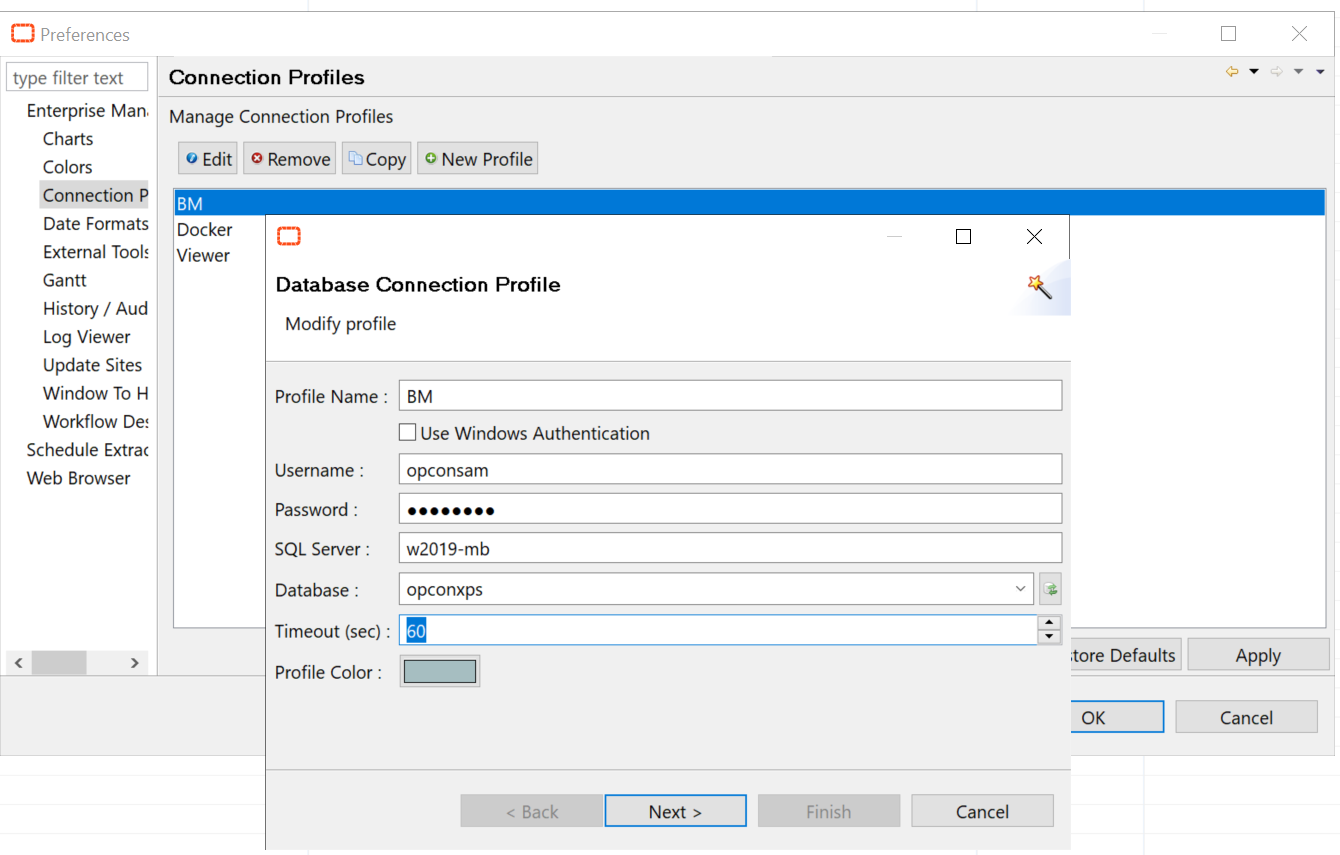
The second option is to increase the Timeout of your profile, this is usually solving all the timeout issue.
- Click on the Enterprise Manager button on your top-left EM
- Preferences > Connection Profiles
- Select your profile and click "Edit"
- Increase the Timeout (sec) to 60 or more if needed
- Click Next and Finish
You can now retry your search in the History and Audit.